


.avif)

A great sales battlecard acts as a 30-second cheat sheet for high-stakes calls, helping reps navigate pricing traps and specific competitor objections. However, the traditional static template is dying because manual updates can't keep up with market changes. In 2026, the most successful teams are swapping frozen PDFs for AI agents that auto-update intelligence, ensuring your sales force never relies on obsolete data to close a deal.
A great sales battlecard acts as a 30-second cheat sheet for high-stakes calls, helping reps navigate pricing traps and specific competitor objections. However, the traditional static template is dying because manual updates can't keep up with market changes. In 2026, the most successful teams are swapping frozen PDFs for AI agents that auto-update intelligence, ensuring your sales force never relies on obsolete data to close a deal.
A great sales battlecard acts as a 30-second cheat sheet for high-stakes calls, helping reps navigate pricing traps and specific competitor objections. However, the traditional static template is dying because manual updates can't keep up with market changes. In 2026, the most successful teams are swapping frozen PDFs for AI agents that auto-update intelligence, ensuring your sales force never relies on obsolete data to close a deal.
You are on a demo with a high-value prospect. It’s going well until they interrupt you: "We’re also talking to [Competitor X], and they said your reporting feature is outdated. Also, they’re 20% cheaper. Why should we pay more for you?"
Your pulse spikes. You have three seconds to respond. Do you fumble through your memory, or do you have the exact answer ready on your second monitor?
That is the difference between losing momentum and closing the deal.
In high-stakes B2B sales, the product doesn't always win. The rep who navigates the conversation best wins. This guide covers how to build sales battlecards that actually work, moving away from 20-page PDFs no one reads to agile, lethal competitive assets.
Sales battlecard definition
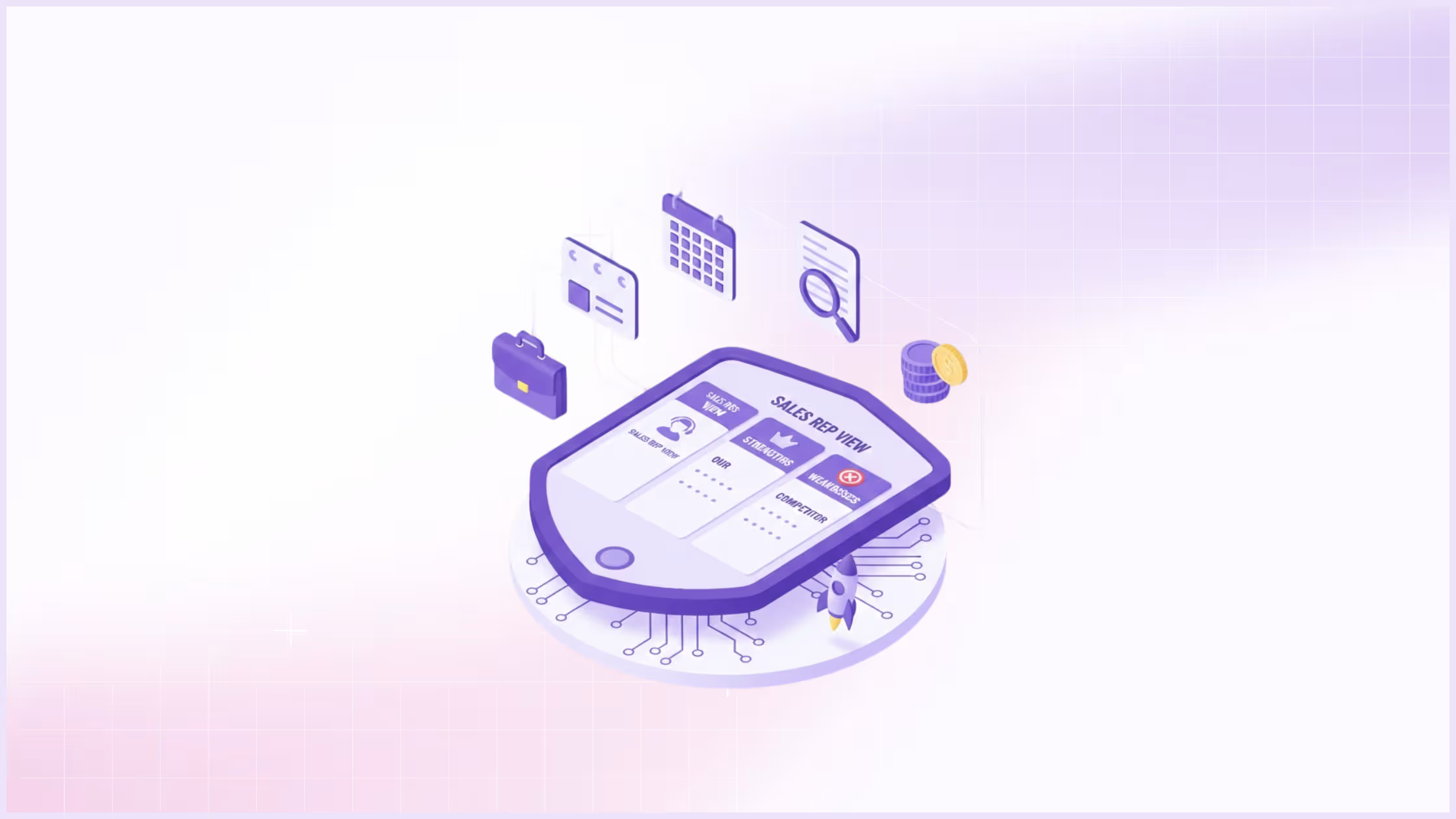
Most of us are well versed with the definition of a sales battlecard. For the purpose of a competitive intelligence strategy, a sales battlecard is a single-page asset that summarizes:
- Competitor weaknesses and how to exploit them
- Competitor strengths and how to neutralize them
- Your company's unique selling proposition (USP) relative to that specific competitor
You can read more about sales battlecards here.
Internal vs. external battlecards
It is critical to distinguish between these two assets to avoid legal and reputational risks.
- Internal battlecards: for your eyes only. These contain unvarnished truths, pricing intel, and aggressive "attack" angles. If a prospect sees this, it looks unprofessional and petty.
- External battlecards: often called "comparison sheets" or "one-pagers." These are marketing-approved assets you send to the prospect. They are softer, feature-focused, and highlight value rather than tearing down the competition.
Who uses sales battlecards?
While account executives (AEs) are the primary users, effective battlecards serve the entire revenue team:
- Sales development reps (SDRs): use them to handle early objections like "we already use Competitor X" to book the meeting.
- Account executives (AEs): use them to navigate deep-dive product comparisons and negotiation landmines.
- Customer success managers (CSMs): use them to prevent churn when a customer mentions they are "shopping around" at renewal time.
What to include in a sales battlecard
The biggest mistake product marketing teams make is including everything. A battlecard with too much information is just as useless as one with none. A sales rep in the heat of a negotiation cannot read a paragraph; they can only scan a bullet point.
To optimize for utility and search intent, every battlecard should adhere to a strict structure.
Essential sections for every battlecard
If you are building your first template, ensure these core elements are present:
- Quick dismiss (the one-line reason we win)
- Pricing and packaging
- Landmine questions (traps to set)
- Objection handling
- Win/loss stories
Competitor overview & quick facts
Keep this section purely factual to build credibility. If you get basic facts wrong, the rep loses confidence in the entire document.
- company size and funding status (indicates stability)
- core target market (are they enterprise or SMB?)
- recent acquisition news or layoffs
Pricing and packaging comparison
This is usually the first question a prospect asks. Avoid vague terms like "competitive." Be specific.
- license model (per user vs. flat rate)
- hidden costs (implementation fees, support tiers)
- discounting behavior (do they heavily discount at quarter-end?)
Key differentiators (why we win)
This is your offensive strategy. Do not list features; list outcomes. If your competitor has a feature you lack, do not ignore it; frame it as irrelevant.
- speed to implementation
- integrations that actually work
- customer support response times (verified by G2 or TrustRadius reviews)
Common objections and rebuttals
This is your defensive shield. List the specific "fear, uncertainty, and doubt" (FUD) the competitor spreads about you, and provide a direct script to counter it.
- Competitor claim: "Their implementation takes months."
- Your rebuttal: "That was true two years ago. Today, our average go-live time is 14 days. Here is a case study proving it."
How to create a sales battlecard in 5 steps
Most battlecards fail because they are built by product marketers who have never carried a quota. They end up being feature matrices rather than strategic weapons. To build an asset that actually improves win rates, you need to treat battlecard creation as a product cycle: research, build, test, and iterate.
Step 1: Select your top competitors
Do not try to build ten battlecards at once. Start with the "tier 1" threats. These are the competitors who are actively appearing in your CRM opportunities and impacting your revenue.
- Check your CRM "closed-lost" reasons for the last two quarters
- Ask your top-performing reps which competitor makes them the most nervous
- Ignore the "ankle biters" (small competitors) for now; focus on the ones stealing market share
Step 2: Gather competitive intelligence
In 2026, "googling" a competitor is not enough. You need specific, validated intelligence that isn't on their marketing site.
- Audit review sites: Go to G2 or Capterra and filter for 2-star and 3-star reviews. These are your goldmine; they reveal the reality of the product after the contract is signed.
- Mine your call recordings: Use conversation intelligence tools (like Gong or Clari) to search for the competitor's name. Listen to how prospects describe them.
- Interview new hires: if you recently hired someone from a competitor, interview them immediately (within legal bounds). They know the skeletons in the closet.
Step 3: Validate information with sales reps
Before you publish, run your draft by a "tiger team" of 2-3 senior account executives. They will instantly spot fluff.
- If a rep says, "That's not true anymore," remove it.
- If a rep says, "I never hear that objection," remove it.
- Accuracy is more important than volume; one piece of bad data ruins the trust in the entire document.
Step 4: Format for readability (the 30-second rule)
Design for the "glance." A rep should be able to find an answer while the prospect is taking a breath.
- Use bold text for key statistics
- Use red/green color coding for "them vs. us" comparisons
- Limit paragraphs to two sentences maximum
Step 5: Distribute and update regularly
A static PDF buried in a Google Drive folder is where battlecards go to die.
- Embed the battlecard directly into the CRM opportunity view
- Use a browser extension that pops up when the competitor's URL is visited
- Set a monthly "kill date" for every card to force a review cycle
Advanced battlecard strategies
Once you have the basics, you need to elevate your strategy. In a mature market, features are often at parity. The winner is usually the seller who frames the conversation best. This is where psychological tactics and automated intelligence come into play.
How to use "landmine questions" in sales calls
A landmine is a question you ask a prospect that forces them to recognize a competitor's weakness without you having to badmouth them. It is the most elegant form of competitive selling.
- The setup: You know the competitor has a slow implementation process (3+ months).
- The landmine: "Many vendors in this space quote a fast start, but what is your timeline if the implementation drags past 90 days? Do you have a contingency budget for parallel systems?"
- The result: the prospect writes this down and asks the competitor, "What happens if this takes 90 days?" The competitor is now on the defensive.
Attack vs. defense strategies
Your battlecard needs to dictate the flow of the conversation, not just react to it.
- Attack (offensive): Use this when you are the underdog or entering a new market. Focus on "wedge" features, capabilities the incumbent simply cannot match due to technical debt.
- Defense (shield): Use this when you are the market leader. Focus on safety, reliability, and the risks of switching to an unproven vendor.
Using AI for competitive intelligence
By 2026, the era of the "static battlecard" is effectively over. If your competitive intel lives in a PDF that was last updated in Q3, you aren't just behind, you are misinforming your sales team.
Competitors change pricing, deprecate features, and pivot messaging weekly. Manual updates simply cannot keep pace. High-performing revenue teams have shifted from maintenance (updating docs) to intelligence (using AI agents).
Battlecards rot like any content: 71% of Google Drive content and 62% of SharePoint content sits untouched over 12 months, and even structured Q&A pairs run 37% stale.
The shift to agentic workflows: You don't need another tool that summarizes text. You need an "agent" that actively monitors the market for you.
- Agentic monitoring: Instead of a human checking a competitor's pricing page every month, an AI agent monitors specific URLs and regulatory filings 24/7. It alerts you only when a strategic shift occurs (e.g., "Competitor X just removed their 'Unlimited' tier").
- Contextual surfacing: The best intel is useless if it’s buried in a portal. AI agents now live inside the sales workflow (email, CRM, Slack), surfacing the exact "kill shot" the moment a rep types a competitor's name.
- The SiftHub approach: This is where we are taking the industry. The SiftHub Battlecard Agent doesn't just store data; it acts as a real-time analyst. It ingests your internal knowledge (Slack, Docs, CRM) and external signals to auto-generate and auto-update battlecards. When a rep asks, "How do we beat [Competitor] on security?", the agent drafts a precise, citation-backed answer instantly, no searching required.
15 sales battlecard templates (and when to use them)
You don’t need a 50-page deck for every competitor. That’s a waste of time. Instead, build a library of specific "modules" that reps can grab based on the deal stage. Think of these as ammunition, not encyclopedias.
The offensive cards (attack mode)
Best for unseating an incumbent or disrupting a competitor who got in the door first.
1. The "why we win" card: This is your anchor. It shouldn't be a laundry list of features. It must articulate the one thing you do that they effectively cannot. If you can’t summarize this in a single sentence, you lose.
2. The "landmines to lay" card: Psychological warfare. This contains 3-5 innocent-sounding questions that force the prospect to discover a competitor's weakness on their own.
- The trap: "Ask them how they handle data residency in the EU. If they say 'we use a third-party partner,' that’s your red flag."
3. The preemptive strike: If you know Competitor X always badmouths your pricing, don't wait for them to bring it up. Inoculate the prospect early. This card gives the rep a script to say, "You’ll likely hear we’re the expensive option. Let me show you why our TCO is actually 15% lower."
4. The wedge: Find the crack in the armor. This card targets a specific, narrow technical flaw in the competitor's product, something small that causes massive headaches, and uses it to pry the account open.
The defensive cards (shield mode)
Best for when the prospect is skeptical, stalling, or quoting competitor rumors.
5. Objection handling & rebuttals: The standard "they said vs. the truth." The key here is brevity. Don't write a paragraph; write a soundbite. The rep needs to be able to say it without looking down.
6. Counter-FUD (fear, uncertainty, doubt): Competitors lie. They will whisper that you are "running out of cash" or "sunsetting a feature." This card gives your team the executive-approved facts (and proof points) to kill those rumors instantly.
7. The "quick dismiss": Don't let a rep waste 20 minutes debating a tiny startup that isn't a real threat. This script helps them acknowledge the competitor politely ("Great tool for SMBs") and pivot back to the serious conversation.
8. Pricing defense: When a competitor undercuts you by 30%, you can't win on price. You have to win at risk. This card shifts the math from "price of license" to "cost of failure."
Product & pricing specifics
Best for procurement, security reviews, and sales engineering calls.
9. Feature-by-feature matrix: Warning: Keep this away from your Account Executives. They will get lost in the weeds. This is strictly for Sales Engineers (SEs) who need to go toe-to-toe on specs during a technical deep dive.
10. ROI & business case builder: CFOs don't care about your dashboard. They care about the math. This card strips away the product marketing and focuses purely on financial impact: time-to-value, implementation costs, and hard savings.
11. The "no-decision" battlecard: Your biggest rival isn't a company; it's the status quo. This card attacks "doing nothing" by highlighting the risks and costs of staying with their current manual process.
12. Legacy migration: Specifically for ripping out dinosaurs like Oracle or SAP. The friction of switching is the enemy here. This card focuses entirely on "ease of migration" to lower the fear of change.
Situational & industry
Best for tailoring the pitch so you sound like an insider, not a vendor.
13. Industry-specific pain: A hospital has different problems than a hedge fund. This card maps your generic value props to their specific regulations (HIPAA, SOC2) and jargon.
14. The executive summary: For the final boss battle. When the CEO joins the call, drop the feature talk. This card provides high-level strategic talking points that align with board-level goals.
15. Win/loss tapes: Theory is nice; reality is better. This isn't a template so much as a collection of transcripts. "Here is exactly what the last three customers said when they chose us over them."
The problem with 15 templates (and the AI fix)
If you read that list and felt exhausted, you're not alone. The "comprehensive battlecard strategy" is a logistical nightmare.
Who has the time to maintain 15 different assets for every single competitor? By the time you finish writing the "ROI Builder" for Competitor A, Competitor B has changed their pricing, and your "Pricing Defense" card is essentially lying to your sales team.
Static intelligence is dead: In 2026, the idea of manually updating PDFs is archaic. High-performing revenue operations have stopped trying to maintain libraries of documents and have started building systems.
The agentic workflow: This is where tools like SiftHub have shifted the paradigm. We moved past "search" and into "action."
Instead of a human analyst scouring the web, the SiftHub Battlecard Agent acts as a relentless 24/7 researcher:
- It listens: It digests call recordings to hear exactly what objections are trending this week, not last quarter.
- It connects: It pulls "technical win" details from buried Slack threads or SE notes that marketing never sees.
- It updates: When a rep asks, "How do we beat [Competitor] on security?", the agent doesn't send a PDF. It generates a fresh, citation-backed answer based on the absolute latest data.
You don't need more templates. You need intelligence that updates itself.