


.avif)

The RFP software market is splitting between legacy "librarian" tools like Responsive and Loopio, which require manual upkeep, and AI-native platforms like SiftHub that automate answers from live data.
While legacy tools suit massive enterprises needing strict control, modern AI offers zero-maintenance workflows that connect directly to your CRM and Slack. Ultimately, the choice comes down to whether you want to manage a static database or empower your team with a live, intelligent teammate.
The RFP software market is splitting between legacy "librarian" tools like Responsive and Loopio, which require manual upkeep, and AI-native platforms like SiftHub that automate answers from live data.
While legacy tools suit massive enterprises needing strict control, modern AI offers zero-maintenance workflows that connect directly to your CRM and Slack. Ultimately, the choice comes down to whether you want to manage a static database or empower your team with a live, intelligent teammate.
The fact that you are reading this means you have already won half the battle. You have looked at a 100-question security questionnaire and realized, "There has to be a better way than doing this manually."
There usually is: across SiftHub customers, 240,000+ questions were answered in six months, and 68% of the questions in any given questionnaire are near-duplicates of ones answered in the last 90 days.
And you are right.
You have successfully graduated from the problem, the late nights, the copy-paste fatigue, and the scramble for answers to the solution. You have realized that in this era of AI, manually drafting responses isn't just tedious; it is a misuse of your time. You are ready to stop writing and start automating.
Now comes the final step: Product awareness.
You know what you need (automation), but the market is noisy. It is flooded with tools promising to fix your workflow, ranging from glorified document editors to "digital filing cabinets" and, more recently, true AI teammates that reason like humans.
You have already made the smart decision to modernize your process. We are here to help you make the right decision on the tool. We analyzed the top players, from established giants to AI disruptors, to help you find the one that actually moves the needle on revenue.
Let’s dive in. Also, it's a long read, gentle reader, so go ahead and grab a drink. And if you want a quick summary of this piece, copy and paste this prompt into your favorite AI tool and generate a summary -
I lead a [team size] team in the [industry] sector. Our biggest pain point is [manual maintenance / slow turnaround / lack of adoption].
Based on the article, which of the 5 tools is the best strategic fit for us? Please provide a 3-bullet executive summary I can send to my CRO justifying this choice against the competitors.”
Parameters to measure RFP software on
Everyone claims to be "AI-powered," everyone promises to save you time, and everyone has a logo wall of happy customers.
But when you peel back the slick UI, the differences in how these tools actually function, and the impact they have on your revenue operations, are massive. To make a decision that sticks, you need to look past the feature list and evaluate the reality of living with the software.
We have broken down our comparison into nine critical parameters. Parameters we frequently encounter in our daily discussions with RFP stakeholders across the board. Here is why they matter to your bottom line.
- Response quality & accuracy: Speed is worthless if the answer is wrong. A tool that generates a response in five seconds is dangerous if it hallucinates a security compliance feature you don't actually have. We measure this by how well the tool understands context, nuance, and the difference between a "good" answer and a "winning" one.
- Workflow management: Does the tool fit into your team’s day, or does it interrupt it? High friction means forcing sales reps to log into a separate portal, learn a new interface, and copy-paste text back and forth. Low friction means the tool lives where the work happens, in the browser, in email, and in Slack, so the process feels invisible.
- Conversation intelligence: This is the new frontier. Most of your best answers are spoken on sales calls, in strategy meetings, and in huddles. Standard tools miss this entirely. We look for platforms that can "listen" to these conversations and turn verbal expertise into written assets, capturing the brilliance that usually evaporates after the Zoom call ends.
- Library maintenance: This is the hidden cost that kills ROI. Many tools require you to manually curate, tag, and update a static library of Q&A pairs. If you stop doing that for a month, the system breaks. We look for tools that automate this "housekeeping" so you don't have to hire a full-time librarian just to keep the software running.
- Integration & sources: Your company’s knowledge doesn't just live in old proposals. It lives in CRM notes, technical documentation on Drive, and conversations in Slack. A tool that can only read its own internal database is operating with one eye closed. The best platforms connect to everything, breaking down the silos between your teams.
- Governance & explainability audits: "The AI said so" is not a valid defense during a security audit. You need to know exactly where an answer came from. We evaluate tools on their ability to cite their sources (e.g., linking back to a specific whitepaper) and their ability to lock down sensitive data so the wrong people don't see the wrong answers.
- Time to migrate / time to implement: Time kills all deals. If a software takes three months of data migration and training before you see value, you have lost a quarter of productivity. We favor tools that offer "zero-setup" ingestion, scanning your existing files and getting to work in days, not months.
- Ease of adoption: The best software in the world is useless if your Sales Engineers refuse to use it. Complicated interfaces and steep learning curves lead to "shelfware." We look for an intuitive design that requires minimal training, ensuring your team actually adopts the tool instead of reverting to email chains.
- Resource management after implementation: Does buying this software mean you also have to hire an administrator to run it? That changes the math on your investment. We prioritize tools that are self-sustaining and automated, minimizing the "admin tax" on your operations team.
- Pricing: You won't find a price list here, and that’s intentional. The sticker price rarely reflects the true cost of ownership. The real calculation is opportunity cost. Are you buying a point solution that fragments your stack, or a unified platform? Are you paying for an "AI add-on" that still requires a full-time human to manage it, or an AI-native tool that actually reduces headcount dependency?
The math that matters is the total cost of your RFP process, from the moment a bid lands to the second you submit. If a "cheaper" legacy tool requires you to hire a dedicated administrator just to keep the library clean, those savings evaporate instantly. We encourage leaders to evaluate the build vs. buy reality and focus on the total efficiency gain, not just the monthly invoice.
Top 5 RFP software
The market is crowded, but most "solutions" are just solving the wrong problem. You don't need a better filing cabinet for your old answers; you need a teammate who writes the new ones.
Here is the unvarnished truth about the top players in the space, based on the parameters defined above.
1. SiftHub: The #1 AI RFP choice
Winning RFP features:
- Auto-fill
- Team collaboration
- Intelligent content search
- Auto-tag compliance and security questions
- Bid/no-bid
- Knowledge refreshes
For a revenue leader, the goal isn't just "better software"; it’s removing the friction that kills deals. SiftHub takes a completely different approach than the legacy players. Instead of forcing your team to manage a clunky library of static Q&A pairs, it acts like a specialized expert that sits right alongside your reps, digesting everything your company knows to build winning answers instantly.
Here is how it stacks up against the things that actually matter to your bottom line:
- Response quality & accuracy: Let’s be honest, most "AI" in this space is just fancy keyword matching. SiftHub is different. It uses genuine generative AI to draft, format, and customize responses from scratch. It doesn't just parrot back an old answer from 2023; it pulls live data to construct a response that fits the specific context of the question in front of you. The result? Answers that are accurate, verifiable, and actually sound like your brand.
- Workflow management: The biggest killer of adoption is making sales reps log into a separate portal. SiftHub solves this by living where your team already works. Whether they are in Slack, Microsoft Teams, or firing off an email, SiftHub is right there. It integrates multi-channel sources directly into the workflow, making assignment and collaboration feel dynamic rather than like a chore.
- Conversation intelligence: This is where SiftHub leaves others behind. It doesn't just look at written documents; it understands conversations. It can surface insights from multiple channels (from Gong/Zoom/Slack), like what your best engineer said on a call last week on Zoom, and guide your RFP approach in real time. It’s not just about generating a proposal; it’s about providing you with deal intelligence.
- Library maintenance: This is the game-changer. With legacy tools, you have to hire someone just to keep the library from turning into a graveyard of outdated info. SiftHub automates this entirely. It continuously syncs with your live repositories, such as Google Drive, SharePoint, Confluence, etc. If your product team updates a spec sheet in Drive, SiftHub knows about it immediately. You virtually eliminate the manual maintenance burden, and your answer database stays fresh without you lifting a finger.
- Integration & sources: Data silos are a nightmare for proposals. SiftHub excels here because it doesn't care where the information lives. It integrates with your CRM, cloud storage, collaboration apps, and more. By ingesting data from all these different corners of the business, you get enriched responses that a simple Q&A library just can’t match.
- Governance & explainability: Speed is great, but not if you’re hallucinating answers. SiftHub provides enterprise-grade governance that lets you sleep at night. Every single answer comes with clear traceability; you can see exactly where the information came from. It offers granular source control and full audit trails, so every claim in your proposal is grounded in fact.
- Time to migrate/implement: Nobody has time for a six-month implementation project. SiftHub is designed for rapid deployment. Because it uses AI to auto-sync with your existing content, you don't have to spend weeks migrating data manually. The in-app add-ins (like for Excel) mean your team can start clearing their plate of RFPs almost immediately.
- Adoption challenges: You know the drill: you buy a tool, and nobody uses it. SiftHub sidesteps this by integrating natively into the platforms your team uses every day. There is almost no learning curve because it works in context. Minimal training overhead means your team actually adopts it, accelerating value from day one.
- Resource management after implementation: The hidden cost of most RFP software is the "admin tax", the people you need to run it. SiftHub’s integrated approach minimizes this administrative burden. By automating content governance and using real-time analytics to keep training the system, it stops the post-implementation resource drain that plagues other tools.
Book a demo to know more.
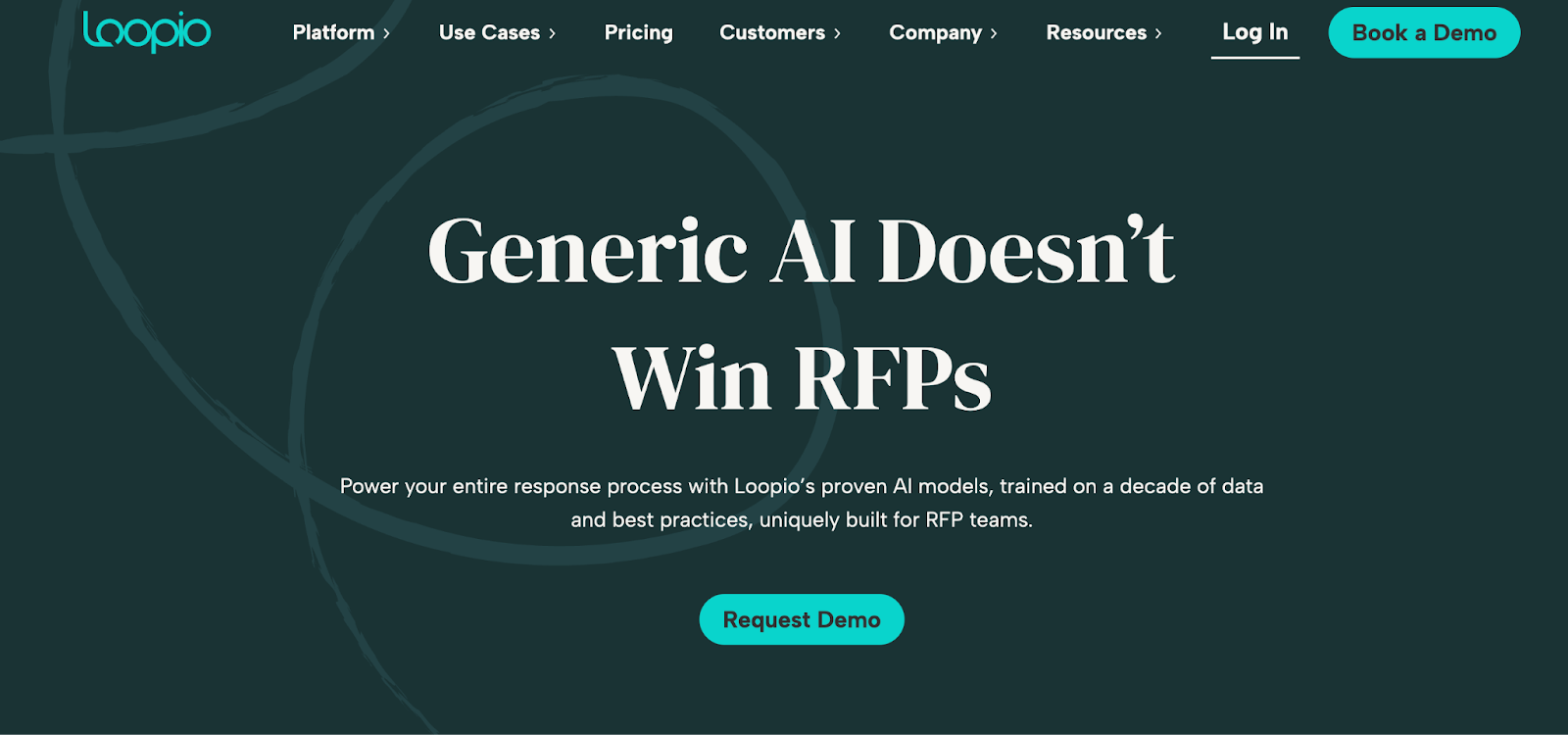
2. Loopio
Winning RFP features:
- Autofill
- RFP project tracker
- Smart content library
- Proposal summary
Loopio has been around for years because it brought order to the chaos of spreadsheets. It’s built on a "single source of truth" philosophy, a curated library of approved answers. It’s a solid choice if you love structure, but that structure requires a lot of care and feeding.
- Response quality & accuracy: It’s great for the basics, standard security questions, or company info. But for the tricky stuff? It struggles. The automation is mostly keyword matching, so you will likely end up rewriting the draft anyway to make it sound human.
- Workflow management: The workflow forces a context switch. Users generally have to leave their email or document and log into the Loopio platform to manage tasks. For Subject Matter Experts (SMEs), this friction is noticeable; getting pinged with external "update tasks" often slows down response times.
- Conversation intelligence: It deals with text, not talk. It completely ignores sales calls or meetings, so any genius answers given over the phone are lost forever.
- Library maintenance: This is the hidden cost. You have to manually tag and update every single answer. If you skip a week of cleanup, your library turns into a junk drawer. If the library isn't fresh, the team stops trusting it.
- Integration & sources: It connects to Salesforce and cloud storage, but that’s about it. It’s blind to the messy, live places where teams actually talk, like Slack threads or Jira tickets. A lot of your company's knowledge stays trapped in those silos.
- Governance & explainability: Governance is manual rather than automated. You rely on human "content owners" to verify accuracy. While the system tracks who updated an answer, it doesn't offer deep explainability to show where that data originally came from if it wasn't manually tagged.
- Time to migrate / time to implement: Getting started is a project. You need to migrate, clean, and structure your data before the tool provides value. This "seeding" phase is necessary for the library model to work, but it means implementation is measured in weeks, not days.
- Adoption challenges: Sales teams generally find the interface clean and easy to use. The challenge lies with the experts. Because the system relies on email notifications to request updates, SMEs often develop "alert fatigue," leading to bottlenecks in getting technical answers approved.
- Resource management after implementation: You likely need to hire someone just to run this. It takes a lot of manual work to merge duplicates and chase approvals. It is not a "set it and forget it" tool; running it is a job in itself.
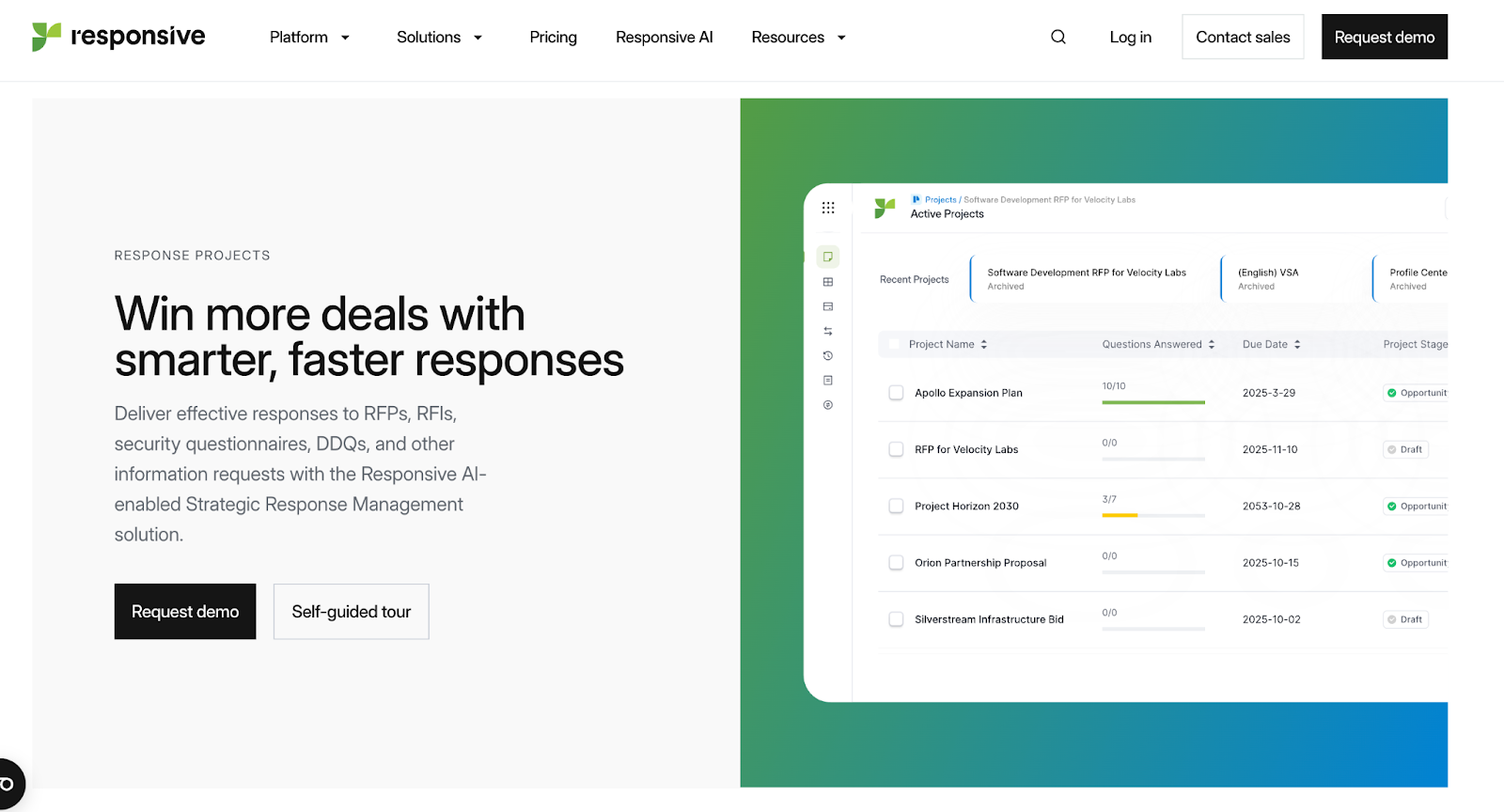
3. Responsive
Winning RFP features:
- Save time with AI-generated response drafts
- Collaborate seamlessly with multiple stakeholders
- Deliver brand-compliant responses at scale
Responsive (formerly RFPIO) is the "battleship" of the category. It’s massive, powerful, and built for scale. Full-time proposal managers often love the control, but that complexity can feel like overkill for the average user.
- Response quality & accuracy: Great for consistency in complex bids. The pre-built templates keep things uniform. But be careful, the "canned" answers rely on manual updates. If you fall behind on maintenance, the quality drops fast.
- Workflow management: The interface feels like a cockpit, buttons everywhere. It’s powerful, but dense. Sales reps often find it too "click-heavy" for quick tasks, so they end up just emailing the proposal team instead of doing it themselves.
- Conversation intelligence: It tracks the document process perfectly, but that’s where it stops. It has no "ears" for sales calls or meetings, so it misses all the verbal context of the deal.
- Library maintenance: This is the main operational cost. You are signing up for a manually curated static library. Without a dedicated "librarian" to constantly prune it, the database quickly becomes a cluttered junkyard.
- Integration & sources: It connects to all the big players like Salesforce, but the integrations can be rigid. It struggles to "read" the messy, unstructured places where work actually happens, like active Slack threads or loose Drive folders.
- Governance & explainability: IT teams love the strict permission controls; you can lock down exactly who sees what. But when the AI suggests an answer, it doesn't always tell you why, making verification a manual chore.
- Time to migrate / time to implement: This is a heavy lift. You need structured data migration and serious team training. You’re looking at weeks or months of setup before the team is actually moving at full speed.
- Adoption challenges: There is often a user divide. Proposal pros master it. Sales reps avoid it. If the software is too hard for the field team to use, the admin team ends up doing all the work anyway.
- Resource management after implementation: You almost certainly need a dedicated administrator to run this ship. Managing the library, permissions, and templates is a full-time job, not a side project.
4. Qvidian
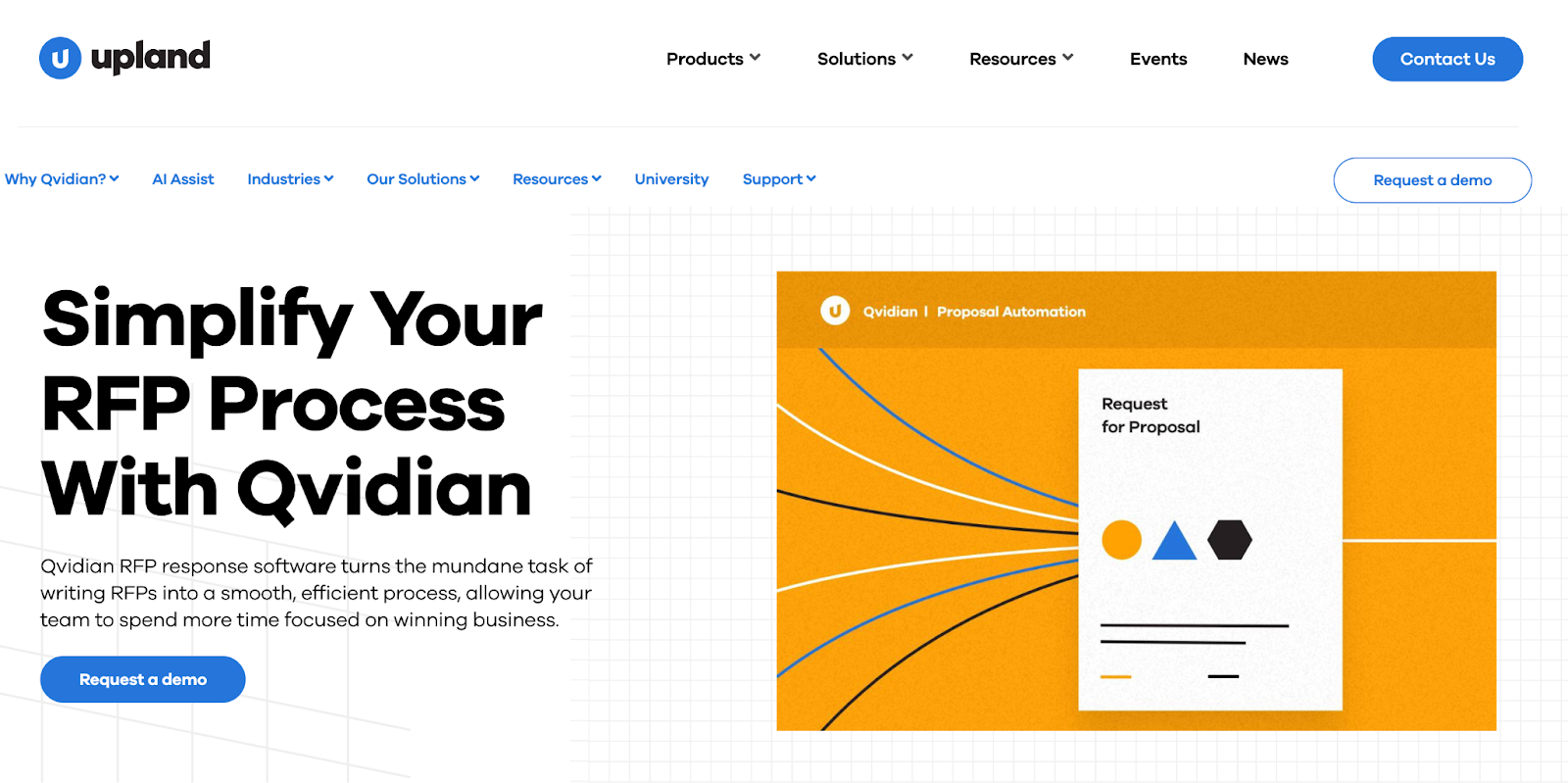
Qvidian is the "old guard" of the industry. It has been around for decades and is deeply entrenched in banking, insurance, and government sectors. If you need a digital Fort Knox, this is it. But if you want speed and a modern user experience, it often feels like a relic.
- Response quality & accuracy: The accuracy is high, but only because it forces you to be meticulous. It is built for industries where "close enough" gets you sued. It doesn't guess; it pulls the exact compliant answer you stored. But that accuracy depends entirely on your team updating it manually.
- Workflow management: It can feel like using software from 2010. The workflow is often rigid and heavily tied to Microsoft Word. If your team lives in Google Docs or web-based tools, Qvidian feels like a heavy anchor that slows everyone down.
- Conversation intelligence: None. It is strictly a document management tool. It doesn't listen to calls, it doesn't analyze meetings, and it doesn't capture verbal deal intel.
- Library maintenance: It demands a lot of feeding. Because it’s designed for compliance, the maintenance workflow is strict. You need to audit content and expire old answers regularly. It’s great for control, but it eats up a lot of hours.
- Integration & sources: It plays very nicely with the Microsoft Office suite. Outside of that? It’s a struggle. It’s not built to pull answers from your Slack history, your support tickets, or modern cloud apps. It sticks to what it knows: documents.
- Governance & explainability: This is its superpower. The audit trails are the gold standard. You can track every single keystroke and edit history. It’s less about "AI explainability" and more about "who typed this and when." Perfect for auditors, less exciting for sales reps.
- Time to migrate / time to implement: Pack a lunch. This is a major implementation project. It often takes months to set up, migrate data, and configure the complex permissions. It’s a heavy enterprise rollout, not a quick plugin.
- Adoption challenges: The learning curve is steep. Power users eventually get the hang of it, but the average sales rep usually finds it too clunky to use. They often end up bypassing it entirely, leaving the proposal team to do the work.
- Resource management after implementation: You absolutely need a specialized admin. Probably a team of them. Managing a Qvidian instance is a specific skill set, and you can’t really run it "off the side of your desk."
5. AutoRFP
Winning RFP features:
- Integrations
- Reporting
- Response portal
- RFP gap analysis
- Automation reporting
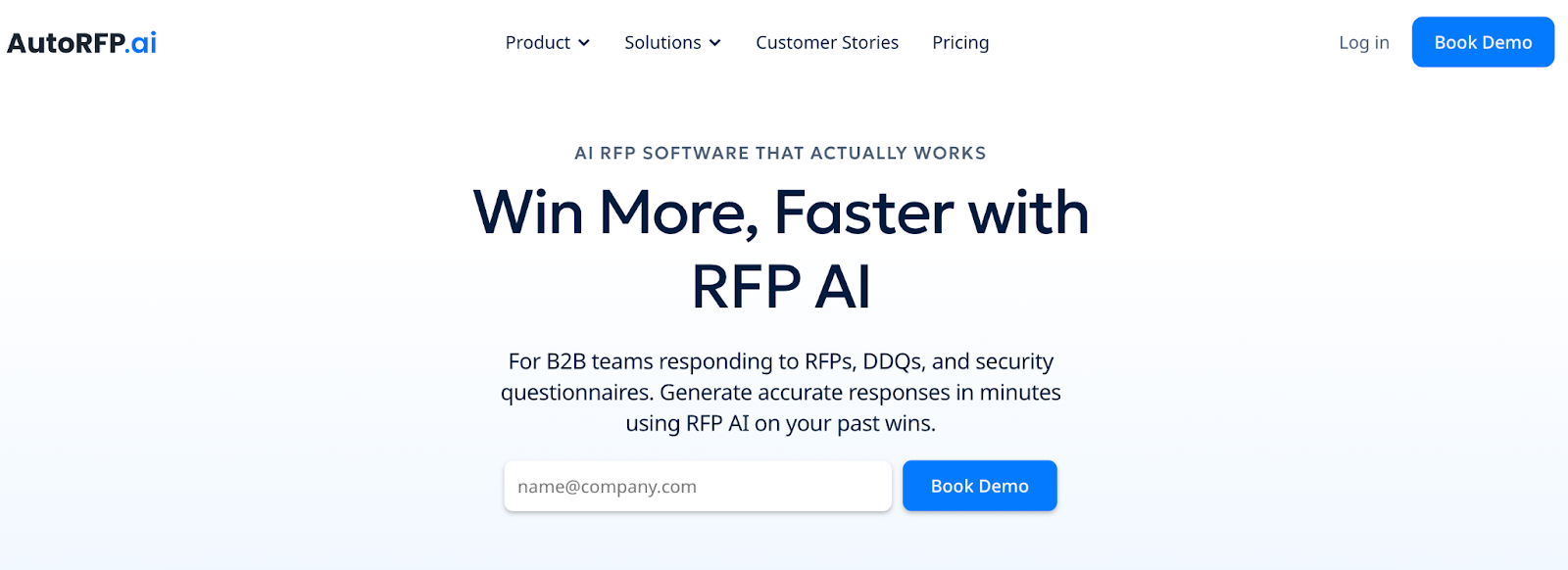
AutoRFP is the new challenger on the block. It’s built entirely around speed and automation. If your goal is to generate a draft in minutes without any setup, this is your tool. But that speed comes with a lack of control that can scare off enterprise teams.
- Response quality & accuracy: It’s fast, but accuracy can be a coin toss. It generates a "first draft" incredibly quickly, but it often hallucinates or gives generic answers. You end up trading writing time for editing time, and you have to double-check everything it says.
- Workflow management: It is undeniably easy to use. You upload a document, and it spits out answers. The interface is clean and simple. However, users report getting blocked by "project caps" or limits on how many RFPs they can run at once, which kills momentum.
- Conversation intelligence: None. It generates text based on text. It has no visibility into sales calls, strategy meetings, or the verbal nuance of your deal cycles.
- Library maintenance: You don't have to organize a library, which sounds great. But the work just moves to the backend. Instead of tagging answers, you spend your time correcting the AI’s bad habits so it doesn't make the same mistake twice.
- Integration & sources: It connects to your files, Drive, SharePoint, the usual suspects. But that’s where it stops. It can’t see the messy, real-time work happening in Jira tickets or Slack channels, so that knowledge stays hidden.
- Governance & explainability: This is a weak spot. It gives you a "Trust Score" (high/medium/low), which is helpful, but it doesn't always show its work. You often don't know why it wrote an answer or exactly where the information came from, making audits difficult.
- Time to migrate / time to implement: This is the fastest of the bunch. You can be up and running in hours. There is practically zero setup time because it learns from your past uploaded documents rather than a structured database.
- Adoption challenges: Adoption is usually high because the barrier to entry is so low. It’s not intimidating. However, frustration kicks in when the system generates erratic answers, leading users to lose confidence and revert to doing it manually.
- Resource management after implementation: You don't need a librarian, but you do need budget oversight. The pricing and project caps can be unpredictable. You might find yourself running out of "credits" or capacity right when a big deadline hits.
Benefits of using RFP software
Most buyers think the primary benefit of RFP software is "efficiency." While saving time is nice, it’s not the strategic reason world-class revenue teams buy these tools.
If you look beyond the basic time-savings, here are the four high-impact benefits that actually move the needle on your P&L:
1. Increasing "deal velocity" (speed kills)
In B2B sales, time is the enemy. A manual RFP process can stall a deal for weeks while your team scrambles to find answers. Modern software doesn't just cut drafting time by 40-50%; it keeps the momentum of the deal alive.
- The shift: Instead of saying, "I'll get back to you next week," your AE can trigger an answer from Slack immediately.
2. Preventing "Bid team burnout" (protecting your talent)
Your Solution Engineers (SEs) and bid managers are your most expensive and valuable technical resources. Forcing them to manually copy-paste answers from a spreadsheet is a misuse of talent.
- The impact: By automating the rote 80% of questions, you free up your SEs to focus on the strategic 20%, custom demos, architecture design, and actually talking to customers.
3. Killing the "siloed knowledge" problem
In most companies, the "best" answer to a security question lives in the CISO’s sent folder, not in a shared drive.
- The benefit: AI-native tools (like SiftHub) act as a connective tissue. They index knowledge from everywhere, Slack, Gong, Salesforce, Drive, creating a single, live "brain" for the company. You stop answering the same question twice.
4. Ensuring compliance and consistency
If you have five different reps answering a question about data encryption, you will get five different answers. That is a liability.
- The fix: RFP software enforces a "governed" truth. It ensures that every proposal going out the door uses the latest, legally approved language, reducing the risk of over-promising or misstating security protocols.
How to pick an RFP software (The 3-Bucket Rule)
If you have read this far, you probably realize that "RFP software" is no longer a single category. It has splintered into three distinct philosophies.
To make the right choice, you don't need a feature comparison matrix. You need to decide which philosophy matches your business model.
We group the market into three buckets. Find yourself below, and you will know which tool to buy.
Bucket 1: The "librarians" (Legacy tools - Responsive, Loopio, Qvidian)
- Who this is for: Massive enterprises (Fortune 500) with a dedicated proposal team of 10+ people.
- The philosophy: "Control is more important than speed."
- The reality: You are buying a really good digital filing cabinet. It works, but only if you hire people to organize the files, tag the files, and throw away the old files. If you have the budget for a full-time administrator, tools like Responsive or Qvidian are powerful, safe choices.
- The trade-off: You will get compliance, but you won't get agility. Your sales reps will likely refuse to use it because it feels like data entry.
Bucket 2: The "speed racers" (GenAI add-ons - AutoRFP)
- Who this is for: Early-stage startups or teams with zero existing process who just need something on the page.
- The philosophy: "Done is better than perfect."
- The reality: You are buying a fast drafter. Tools like AutoRFP will ingest a document and spit out answers in seconds. It feels magical at first.
- The trade-off: You lose control. Because these tools often lack deep governance or "grounding," you end up with a lot of "hallucinations", answers that sound confident but are factually wrong. You save time writing, but you spend it editing.
Bucket 3: The "AI Teammates" (Agentic AI - SiftHub)
- Who this is for: Modern revenue teams where sales, presales, and product need to collaborate without friction.
- The philosophy: "The answer already exists; we just need to find it."
- The reality: You are buying a specialized brain. Tools like SiftHub don't ask you to build a library; they connect to the work you have already done (in Slack, Drive, CRM) and use it to answer new questions.
- The trade-off: You have to trust the AI. It requires a shift in mindset from "hoarding knowledge" in a static library to "indexing knowledge" from live sources.
Questions to ask RFP vendors - The "demo day" litmus test
When you get these vendors on a call, they will all show you a perfect demo. Here are the three questions that will break the script and show you the truth:
1. Show me the maintenance workflow."
- If they show you a screen with "expire dates" and "review cycles," you are looking at a librarian tool. Get ready to hire an admin.
- If they say "there is no maintenance," ask how the AI knows when a Slack message is outdated. (Hint: Agentic tools use timestamps and context; Wrappers usually just guess.)
2. "Can you answer a question based on a call we had last week?"
- If they say no, they are blind to 50% of your company's intelligence.
- If they say yes, ask them to show you the citation.
3. "Do my sales reps have to log in to use this?"
- If the answer is "yes," subtract 50% from your expected adoption rate. The best tools live in the browser extension or Slack window, not a destination portal.
Why the future belongs to SiftHub
The RFP landscape has fundamentally changed. The era of manual libraries, "content grooming," and copy-paste marathons is ending.
You have a clear choice to make.
You can buy a legacy tool like Responsive or Loopio, but be prepared to hire a full-time librarian to keep it alive. You can buy a "speed racer" like AutoRFP, but be prepared to spend your nights fact-checking its work.
Or, you can hire a teammate.
SiftHub is the only platform that combines the safety of enterprise governance with the speed of agentic AI. It doesn't ask you to change how you work; it just makes the busywork disappear. It turns your company’s scattered knowledge, from Slack threads to security whitepapers, into a unified, intelligent engine that drives revenue.
Stop answering the same question twice. Stop searching for files. Stop losing momentum.
Ready to see what your revenue team looks like on autopilot?
[Book a personalized demo with SiftHub]