01
About
02
Capabilities
03
How to setup
04
FAQ
05
Support
%20(1).avif)

Deal context from every Avoma call, instantly available for RFPs, prep, and handovers.
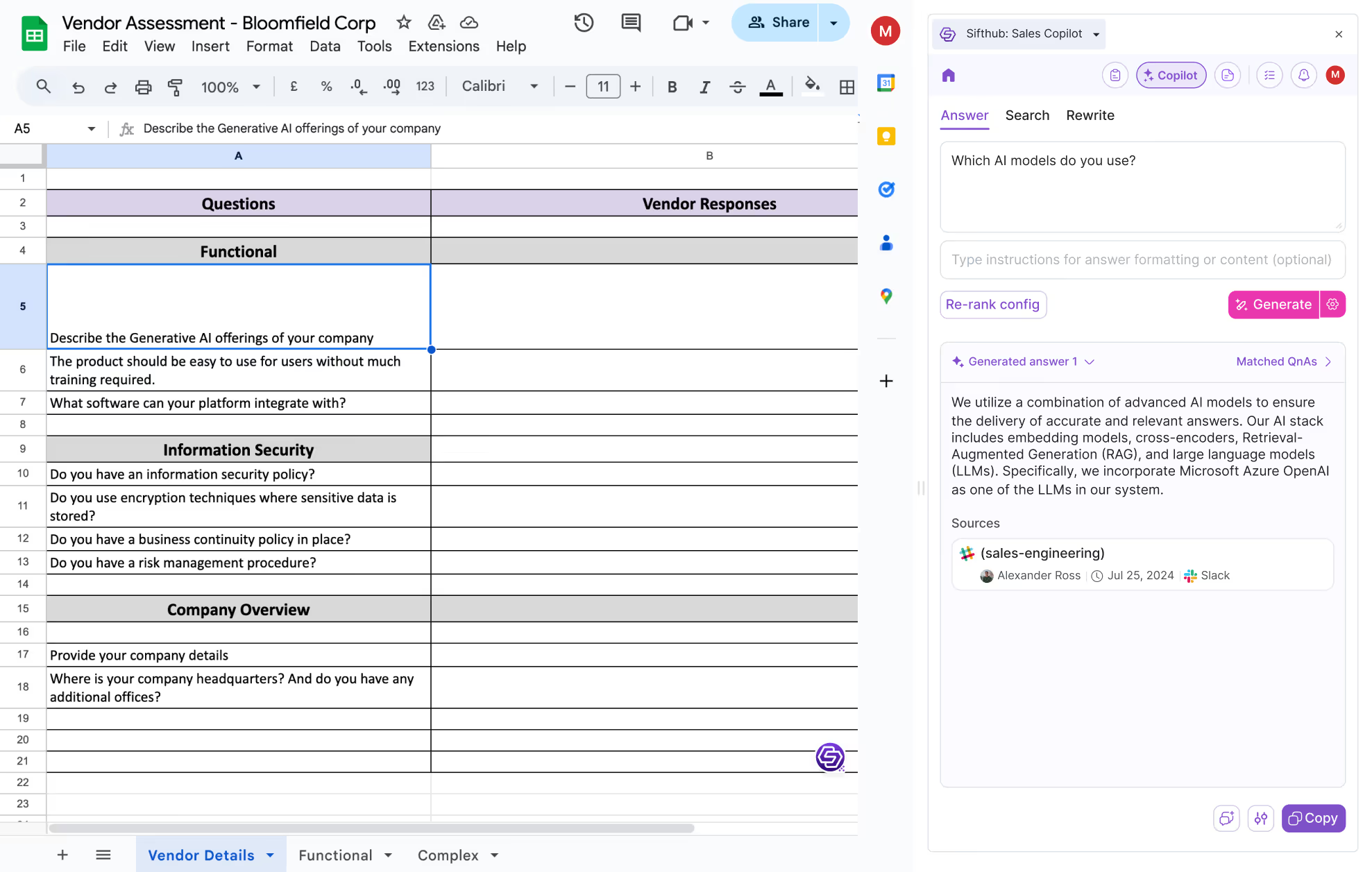
Start Integrating TodayWith SiftHub’s Slack Connector, every message and attachment shared in Slack can become part of your response generation and semantic search capabilities. Seamlessly integrate the channels and workspaces you choose, unlocking the power of your team’s conversations to drive smarter, faster decisions within the SiftHub Platform.
Say goodbye to scattered information and hello to a more connected, efficient workflow!
You’ve scoured through threads, DMed your colleagues, and still—no luck. Sound familiar?
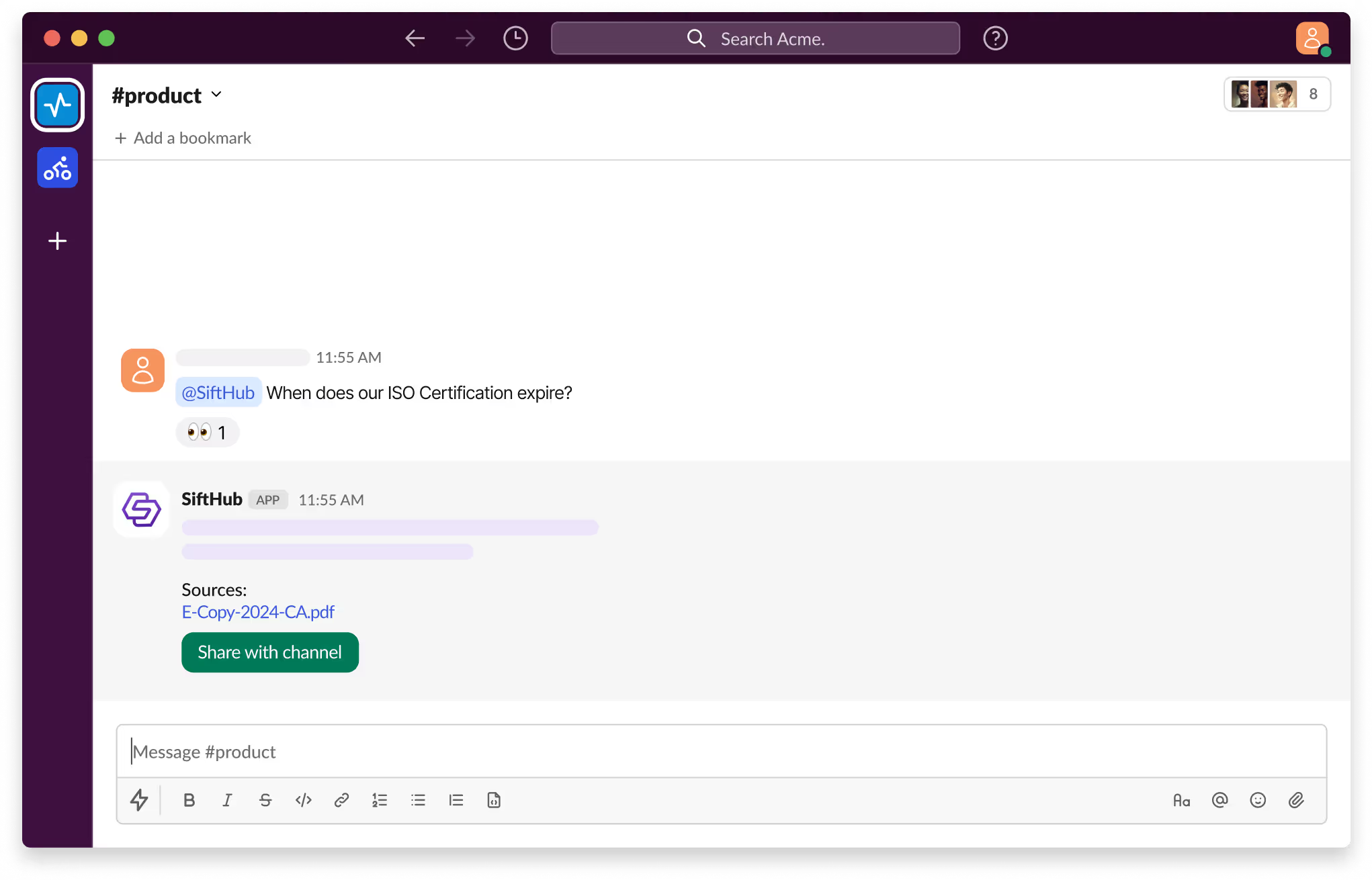
With SiftHub bot for Slack, those days are over. Simply @SiftHub in any Slack channel (public or private) and ask your question. Instantly, you'll get a response powered by the collective knowledge of all your connected sources on the SiftHub Platform.
No more digging, no more guessing—just answers, right when you need them.
SiftHub connects to Avoma through an API key you generate in your Avoma account. Share it with your SiftHub CSM, and they'll activate the connection within 24 hours. You control which meetings get indexed and who can access them.
SiftHub indexes only the meetings you explicitly connect. Here's how the rest of the security model works.
Setup takes about 2 minutes. Generate your API key in Avoma and share it with your SiftHub CSM. They handle the rest within 24 hours.
Log in to Avoma, go to Settings → Organization → Developer, and click Create API Key. Copy the key and share it securely with your SiftHub CSM.
Tell your SiftHub CSM whether to connect all meetings, specific users', or individual recordings, and your preferred access setting (Open or Participant). They'll activate within 24 hours.
.svg)
If you need any additional help in setting up your integration, feel free to reach out directly to your SiftHub Customer Success Manager, or write to us at support@sifthub.io.